The writing space
Follow the idea. We’ll follow your formatting.
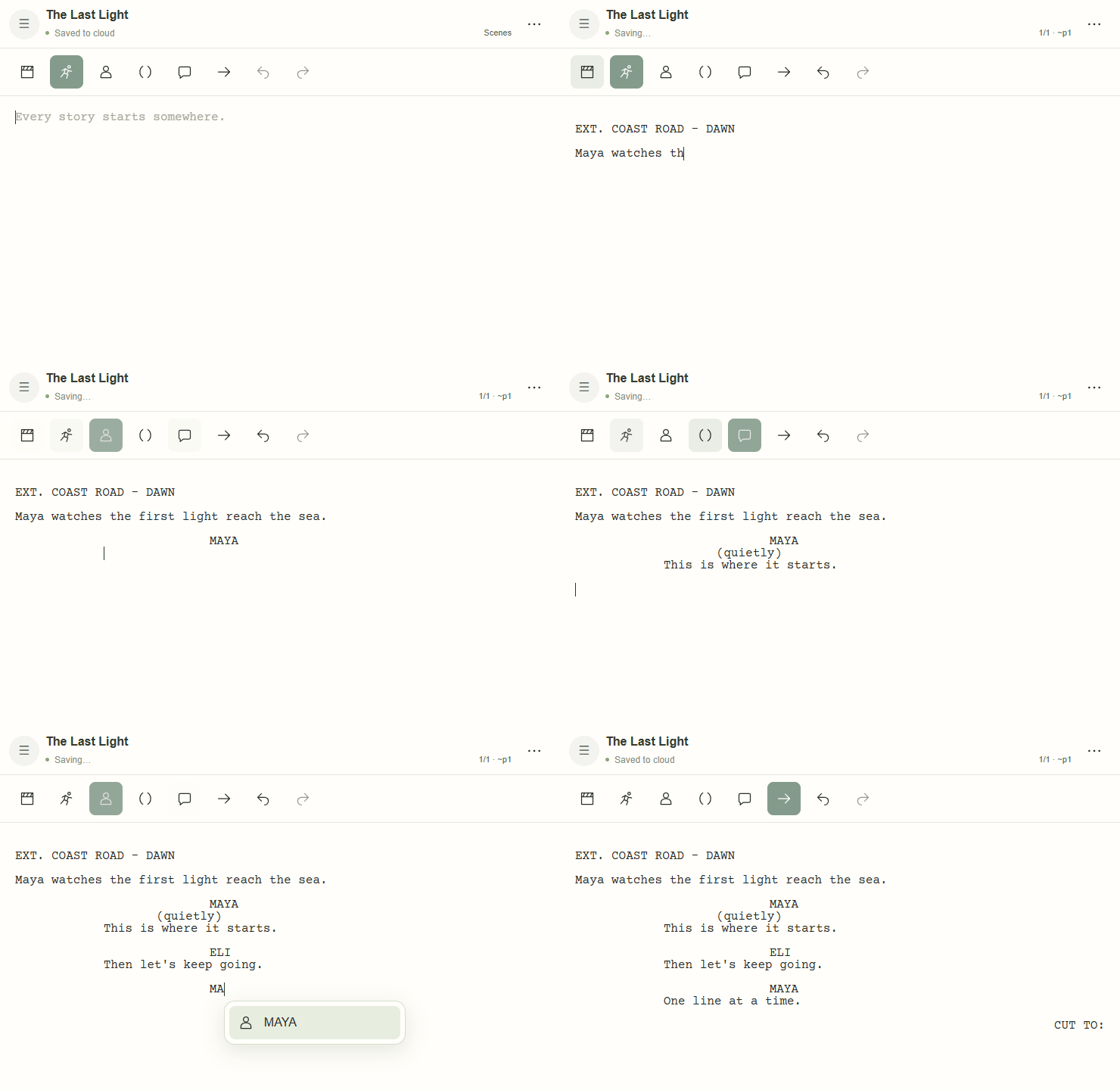
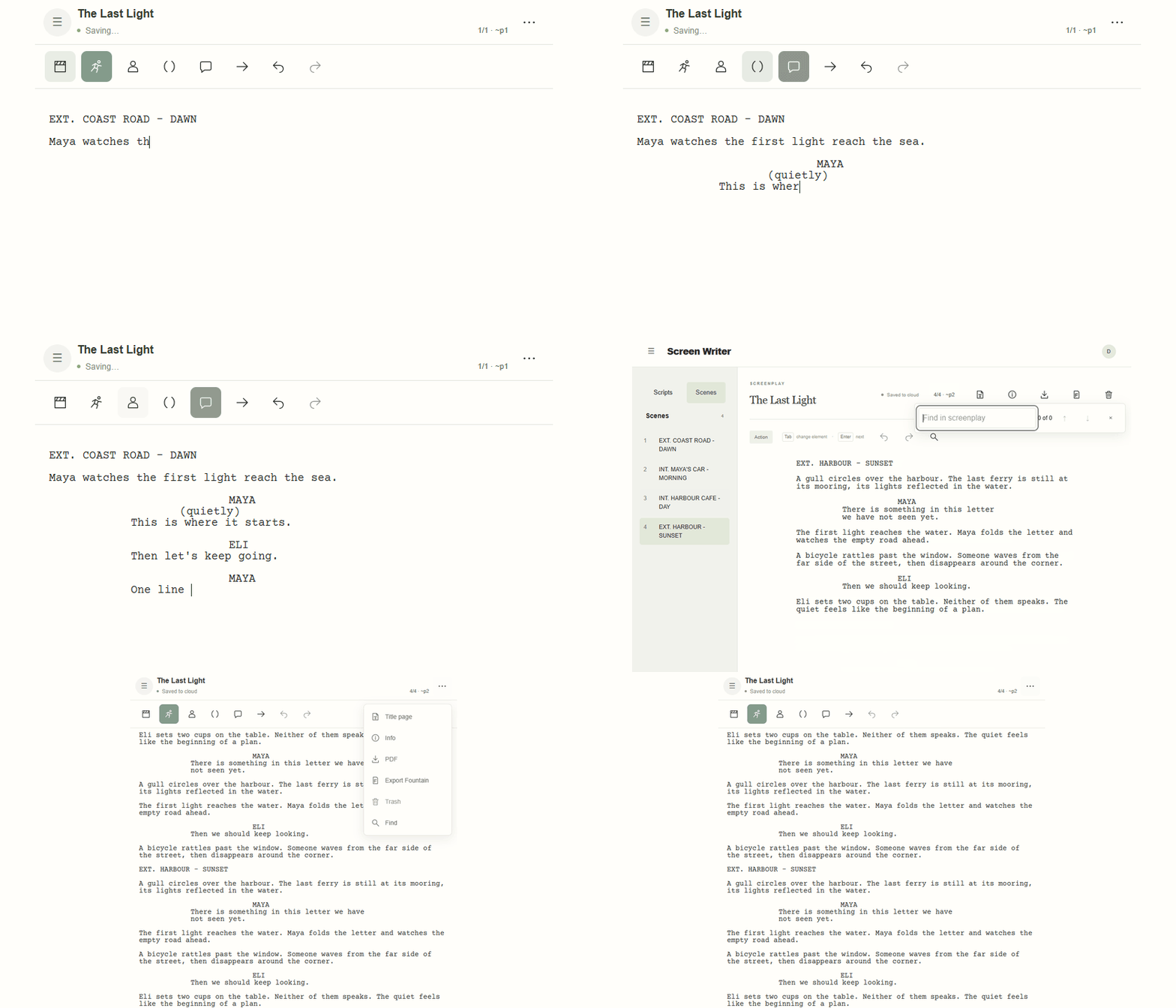
Start typing. Scene headings, character cues and dialogue fall into place, with character suggestions to keep you moving.
A simple screenplay editor for individual writers. Just the tools you need to get your story onto the page.
The writing space
Start typing. Scene headings, character cues and dialogue fall into place, with character suggestions to keep you moving.
Scenes & search
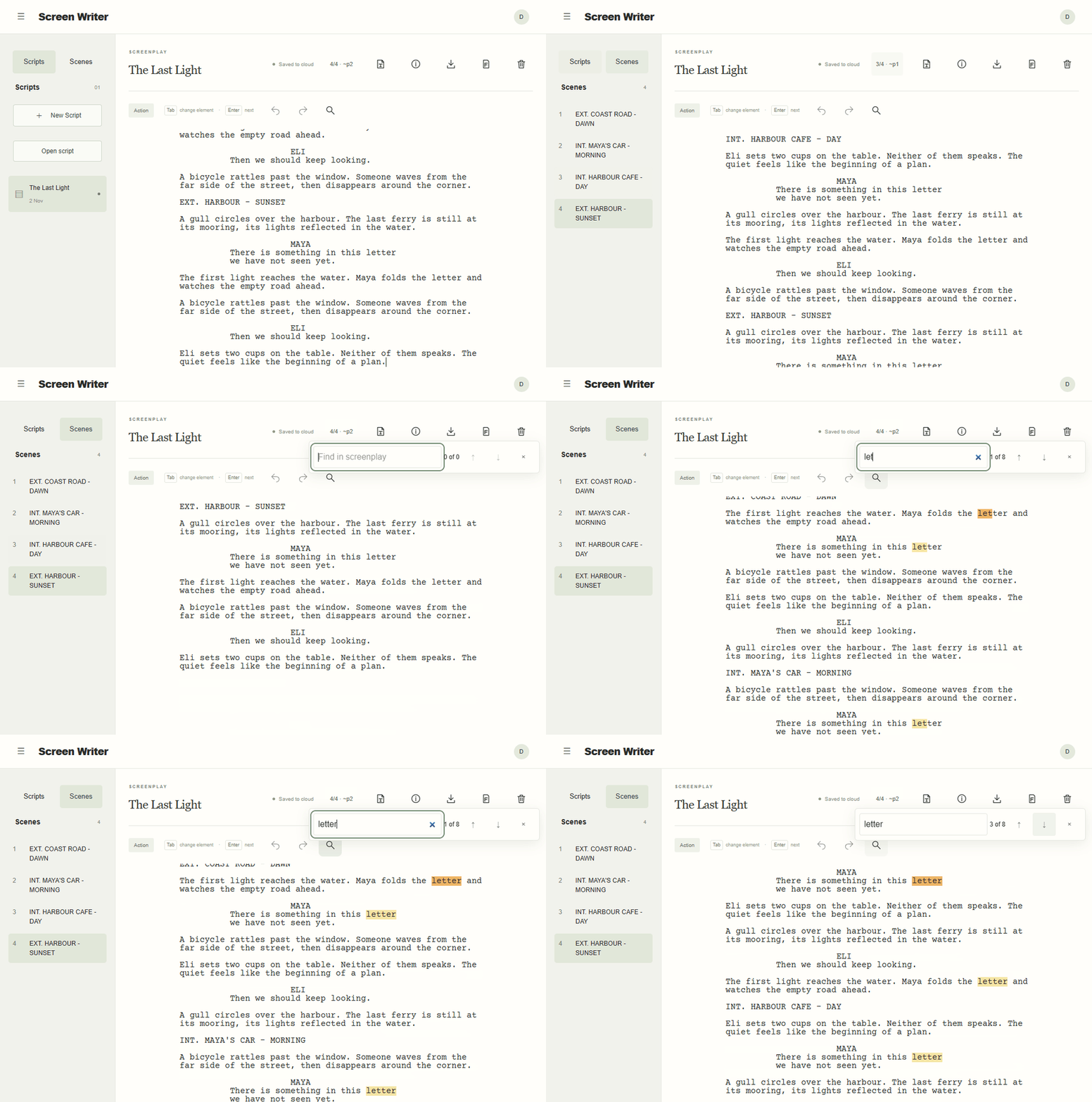
Jump straight to a scene, or find that line you want to come back to. Even when your story gets a little longer.
Your title page
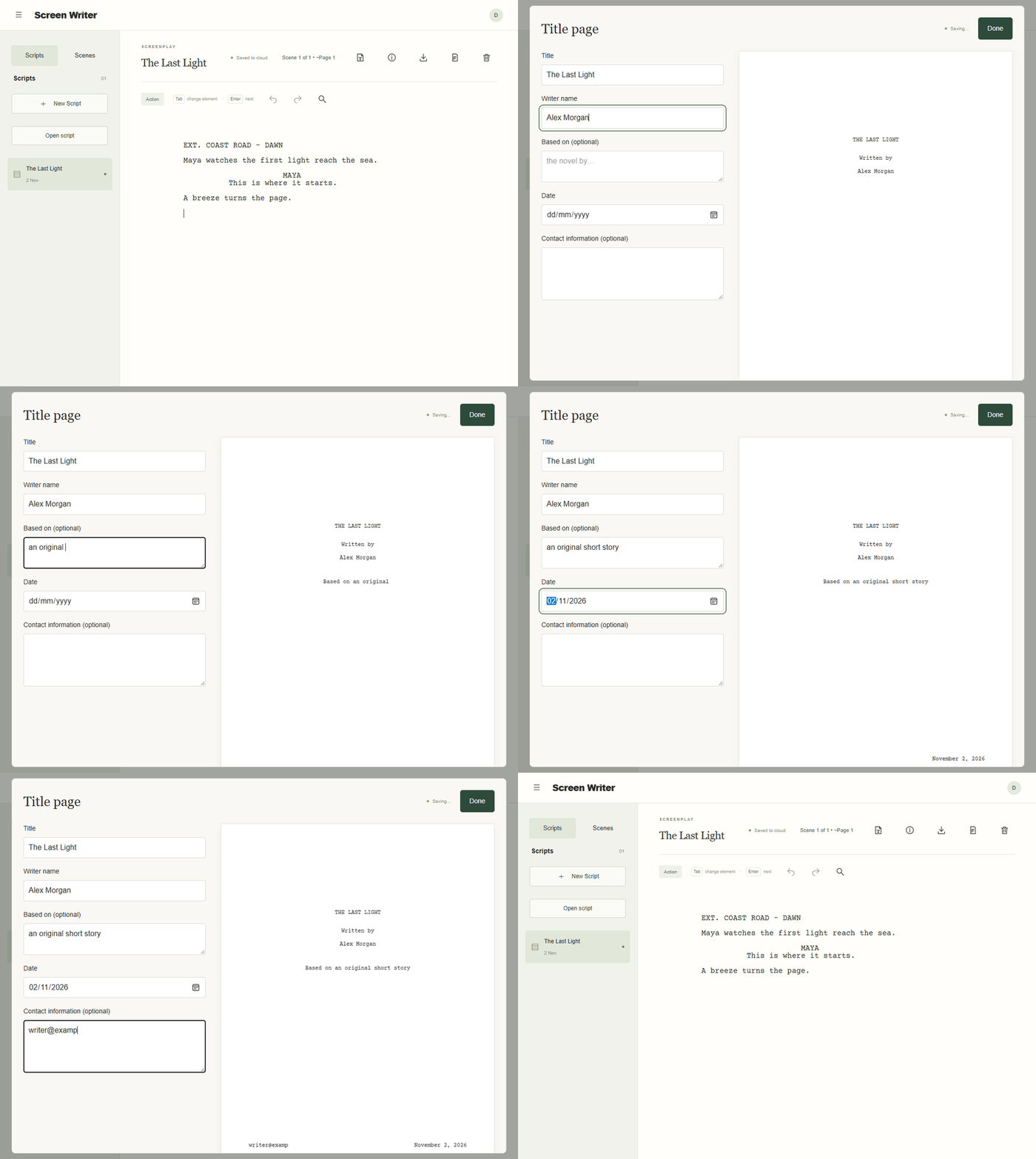
Add your title, writing credit and contact details in one simple form. Your screenplay gets the first page it deserves.
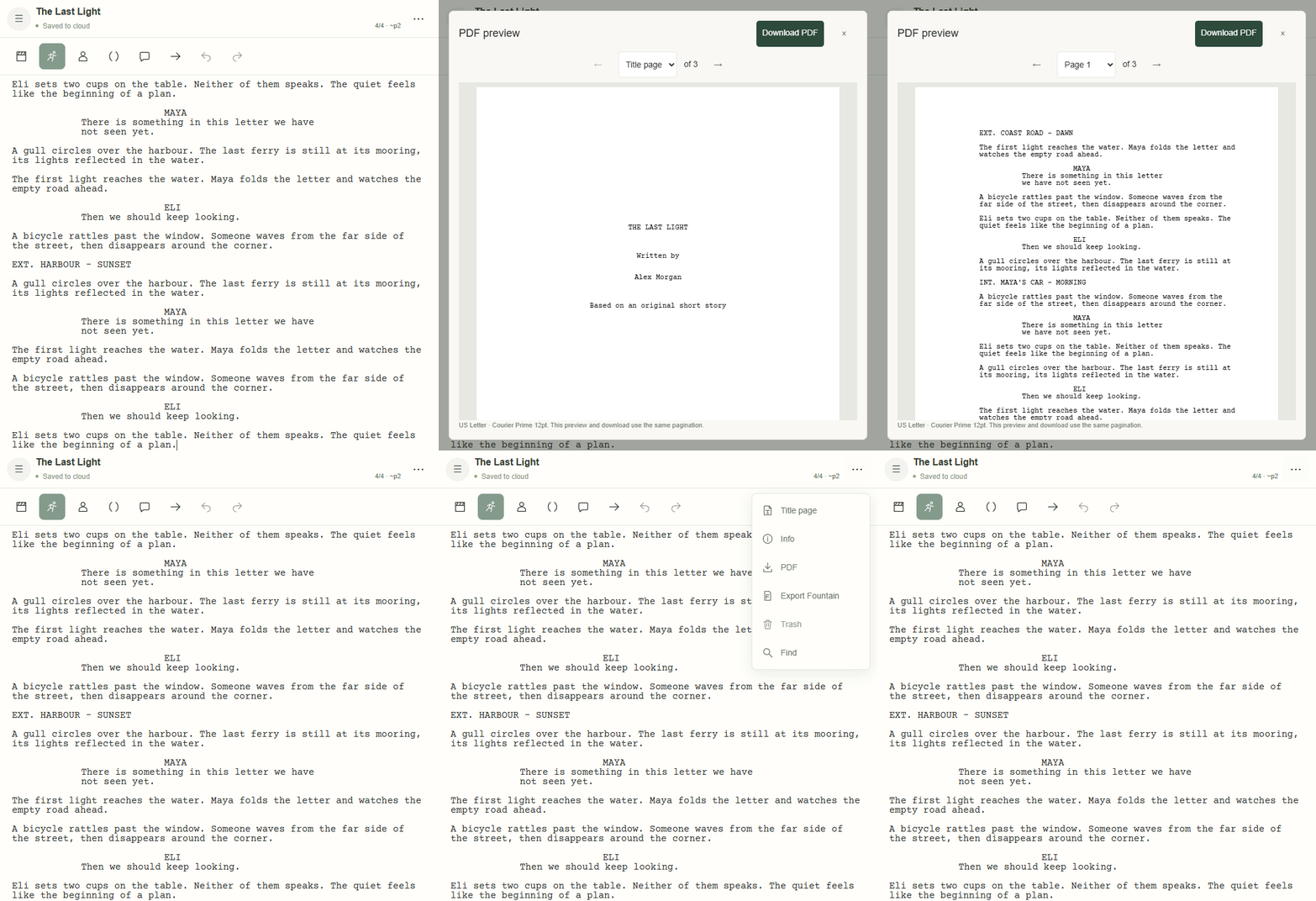
PDF & Fountain
Preview and download a formatted screenplay PDF. Or export a basic Fountain file to take your writing into another app.
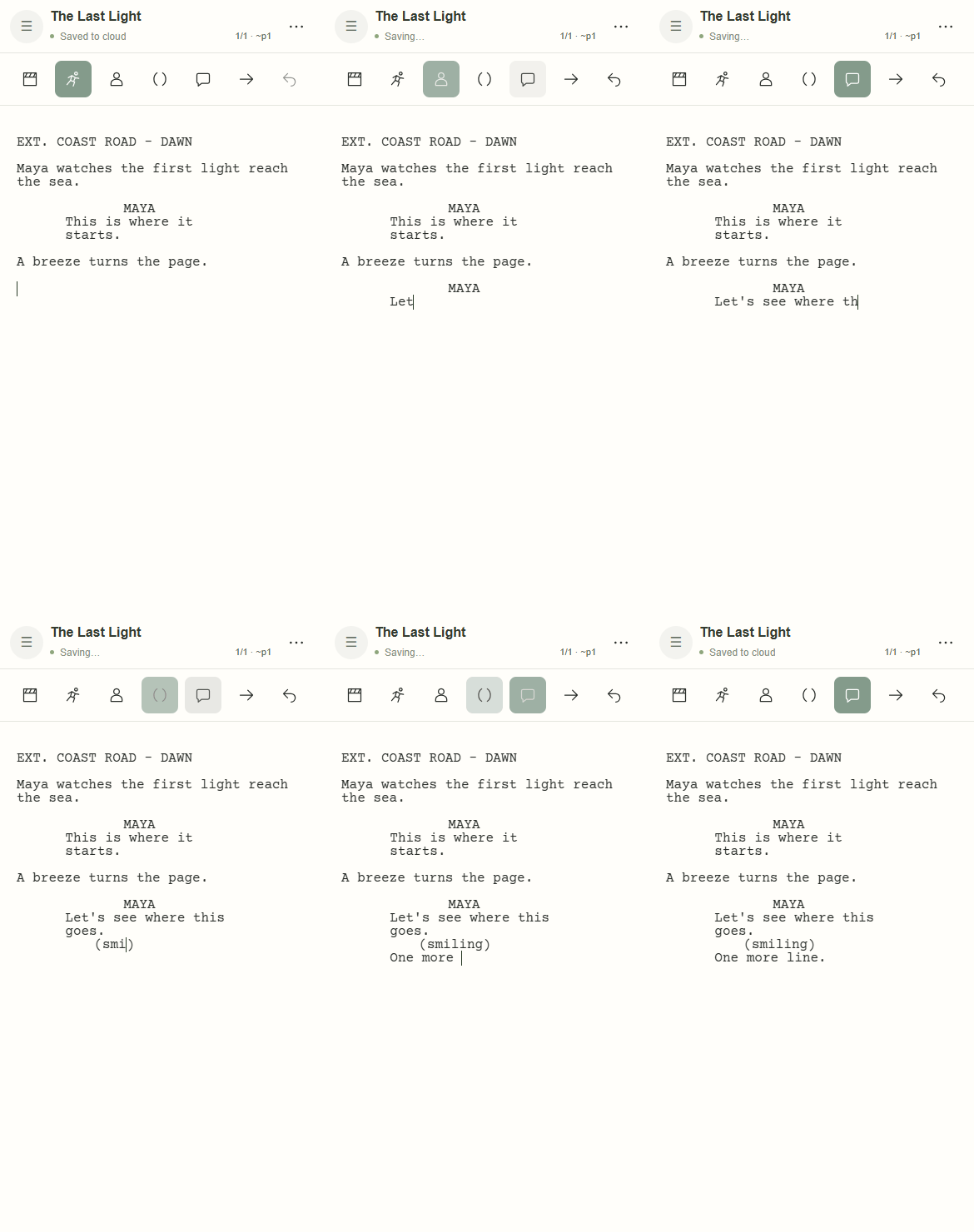
On your phone, too
The same screenplay formatting and character suggestions, in a layout made for your phone.
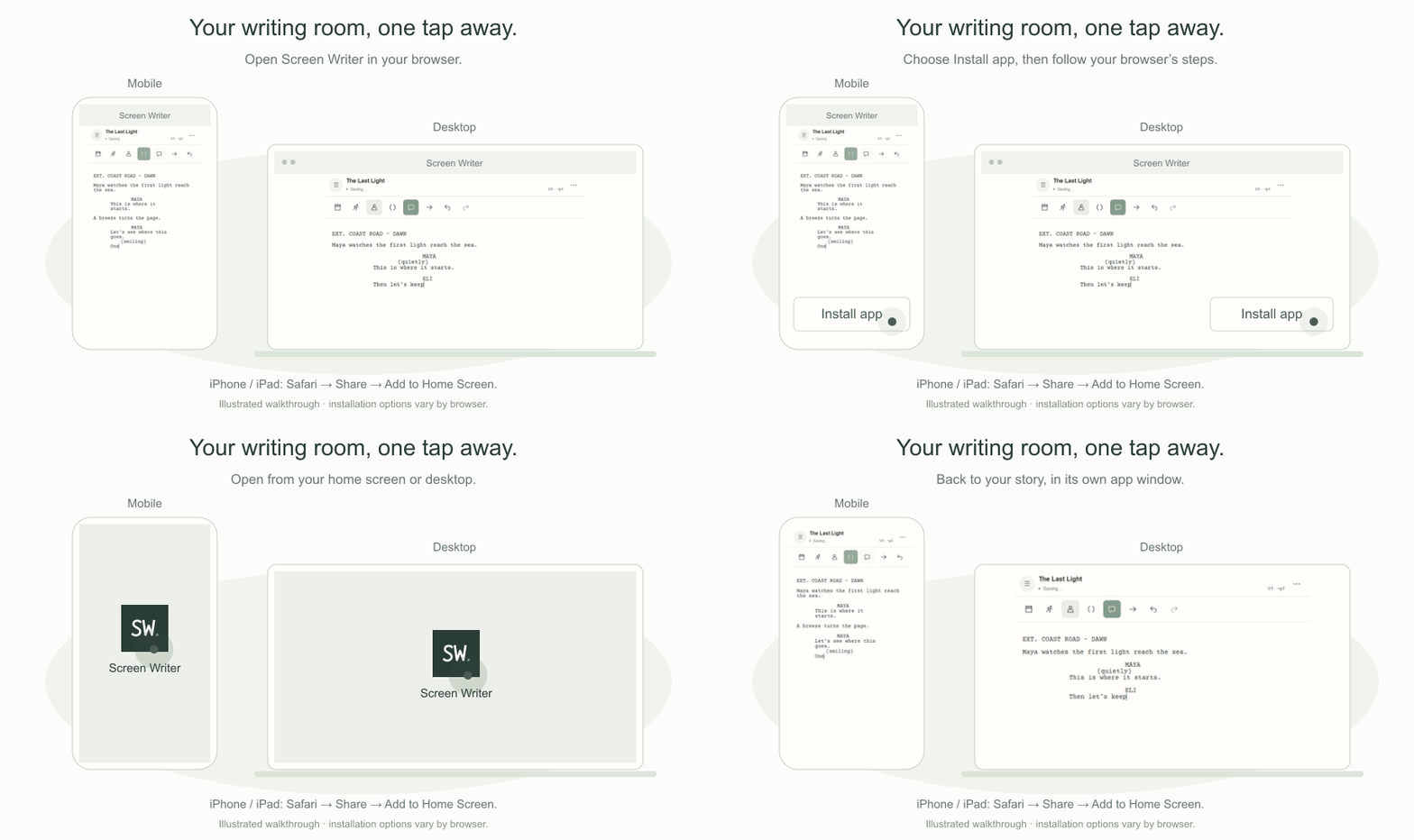
Install Screen Writer on your phone or computer for quick access.
Your scripts save to the cloud as you write.
Open your cloud-saved scripts on your phone, tablet or computer.
Your changes are saved on your device and sent to the cloud when the connection returns.
A simple screenplay editor for individual writers. Just the tools you need to get your story onto the page.
The writing space
Start typing. Scene headings, character cues and dialogue fall into place, with character suggestions to keep you moving.
Scenes & search
Jump straight to a scene, or find that line you want to come back to. Even when your story gets a little longer.
Your title page
Add your title, writing credit and contact details in one simple form. Your screenplay gets the first page it deserves.
PDF & Fountain
Preview and download a formatted screenplay PDF. Or export a basic Fountain file to take your writing into another app.
On your phone, too
The same screenplay formatting and character suggestions, in a layout made for your phone.
Install Screen Writer on your phone or computer for quick access.
Your scripts save to the cloud as you write.
Open your cloud-saved scripts on your phone, tablet or computer.
Your changes are saved on your device and sent to the cloud when the connection returns.